Why Your Cheat Stopped Working After a Game Update (and What to Do)
Contents
Everything worked yesterday, and after today's patch your cheat will not load or acts strangely. A cheat not working after an update is normal, and the cause is almost always the same. Here is what a patch does to a cheat, how to read its status and what to do while it gets updated.
Why Do Cheats Break After a Game Update?
Cheats rely on exact data addresses in game memory, and a patch moves them. When the game is recompiled, its code and data structures shift to new locations, so the cheat ends up reading the wrong values.
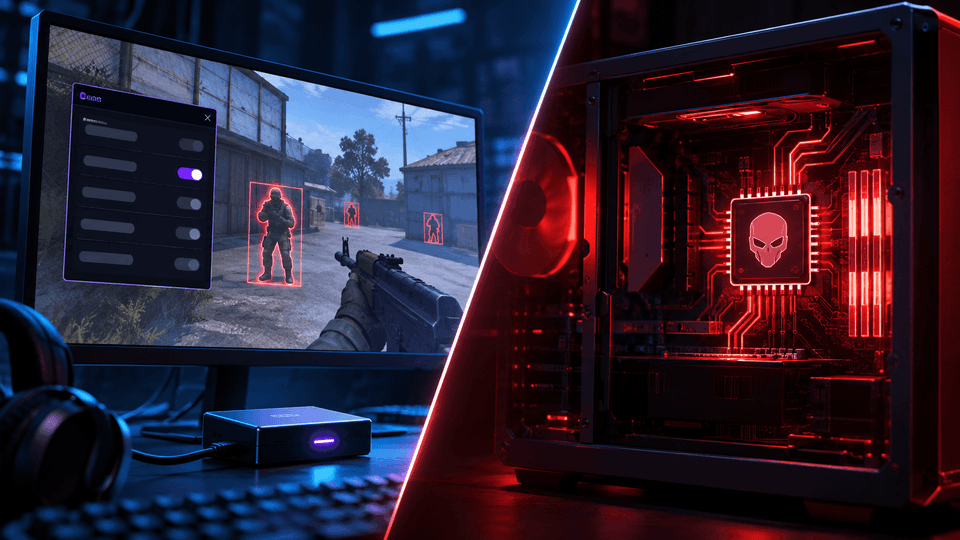
Typical symptoms: ESP boxes drawn in the wrong place, an aimbot that does not lock on, or a crash on launch. Sometimes the anti-cheat updates together with the game, and the developer has to rework the build more deeply.
Major patches can switch off most cheats for a game at once. That happened in CS2 after the July 29, 2025 update: according to players and cheat developers, most popular builds stopped working until fixes shipped.
Which Updates Are the Riskiest?
Anti-cheat updates are riskier than game patches. A game patch simply breaks the cheat so it no longer loads. An anti-cheat update can add new checks, and then an old build may still start but become visible.
Kernel-level anti-cheats deserve extra caution. In Valorant, for instance, Riot Vanguard loads its driver when Windows starts, and its updates ship independently of game patches.
How to Read Cheat Status
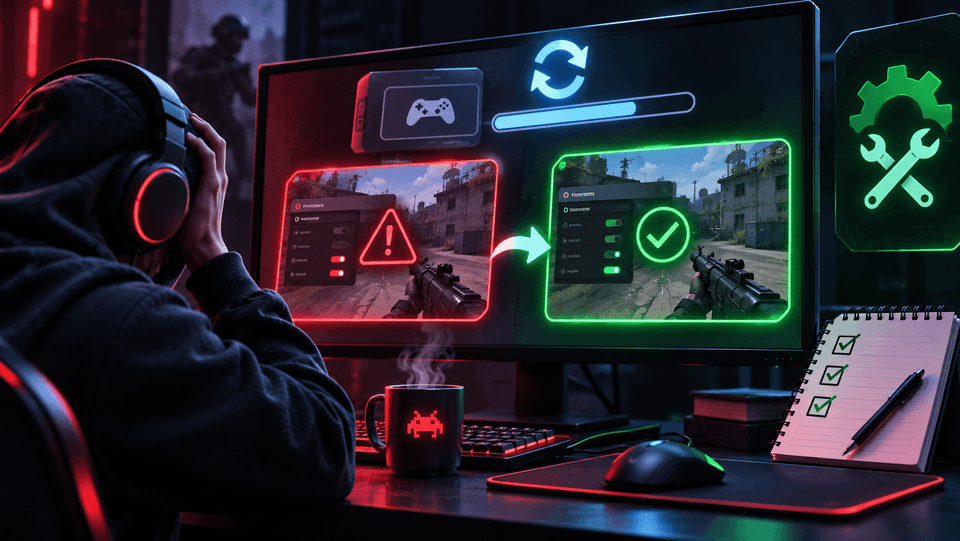
The status on the product page tells you whether the cheat is safe to run right now. You will usually see one of three states:
- Undetected. The build works and is not flagged by the anti-cheat at the moment.
- Updating. The game or anti-cheat changed and the build is being adapted. Do not launch it.
- Detected. The anti-cheat can now spot the build. Launching it will very likely lead to a ban.
Cheat Not Working After an Update: What to Do
Do not run the cheat until its status is back to working. An old build on a new game version will at best fail to load and at worst crash the game or get you banned.
- Check the status on the product page, for example Escape from Tarkov cheats or DayZ cheats.
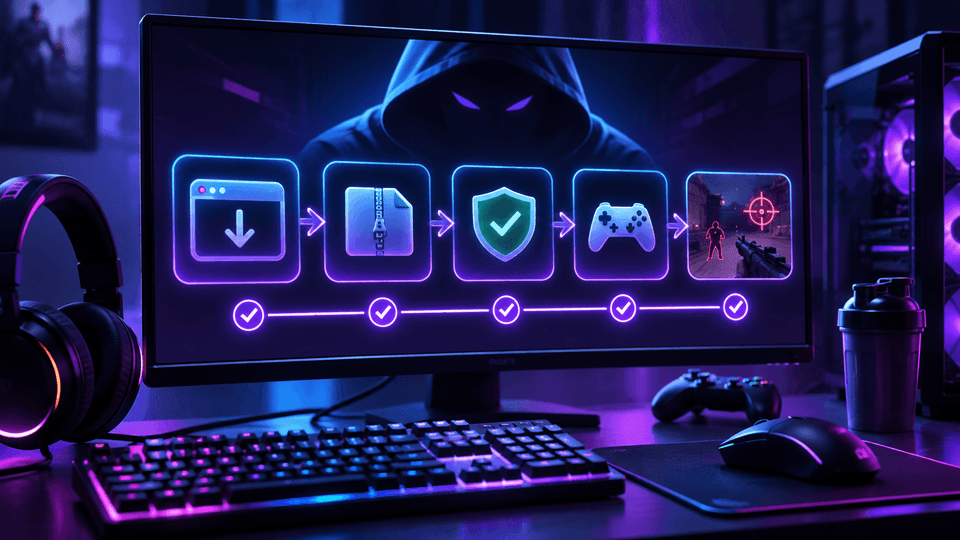
- If the status shows working, restart the loader so it downloads the current build.
- If it shows updating, wait and do not try workarounds.
- If the status is working and the cheat still fails, contact support with the exact error message.
How Long Does a Cheat Update Take?
It depends on the size of the patch. Small changes are fixed quickly, while a major game or anti-cheat update takes longer.
FAQ
Does my subscription keep running while the cheat is updating?
That depends on the store policy, so check with support before buying a long plan.
Do I need to download the cheat again after a patch?
No. The loader fetches the current build on launch. Just wait for the working status.
Why did I get banned after a patch if the cheat still started?
If the anti-cheat updated along with the game, an old build may have become detected. Always check the status after any patch.
Summary
A cheat stops working after a game update because the patch moves data in memory and sometimes changes the anti-cheat too. The fix is simple: check the status, wait for the updated build and only then launch. Status for every game is listed in the AnyHacks catalog.