How to Install and Inject a Private Cheat: Step-by-Step Setup Guide
Contents
Bought your first private cheat and not sure what to do next? Installing it is simpler than it looks. You need a key, a loader and the right launch order, and the whole setup takes a few minutes. This guide covers how to install cheats, how injection works and what to check when the cheat will not start.
Before You Install: Quick Checklist
Most launch problems can be avoided with a short check before you install anything.
- Cheat status. Each product card shows the current status. After a major game patch a cheat may be under maintenance for a while, so wait until it is marked as working again.
- System requirements. Compare them with your PC.
- Administrator rights. The loader runs as administrator, so your Windows account needs those permissions.
How to Buy Cheats and Get Your Key
Pick your game in the catalog, choose a subscription period and complete the order. After payment you receive a license key and a download link for the loader. Plans come as a day, a week or a month, and longer periods cost less per day. The current price is always shown on the product page.
How to Install Cheats Step by Step
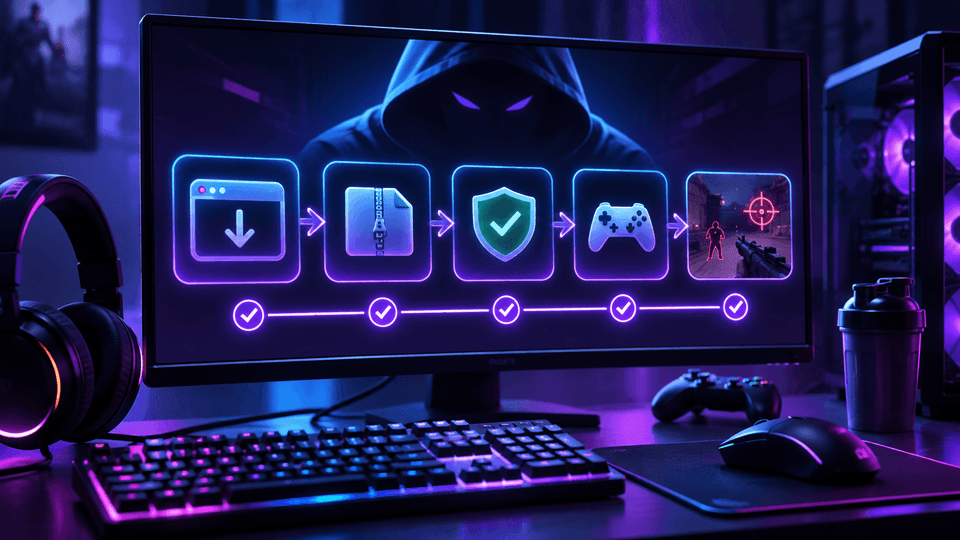
- Download the loader. Use only the link from your order or account dashboard. Builds from third-party sites are often tampered with and may carry malware.
- Run it as administrator. Right-click the file and choose "Run as administrator".
- Enter your key. The loader validates it and pulls the latest build for your game.
- Follow the launch order. Some products load before the game starts, others after you reach the main menu. The order is listed in each product guide, and getting it wrong is the most common reason a cheat fails to load.
- Open the menu. In game, press the menu hotkey and enable the features you need.
How to Inject a Cheat: What the Loader Does
Injection means loading the cheat code into the running game process. You never do this by hand. The loader checks your key, downloads the current build and attaches it to the game, so every session runs on the latest version instead of an outdated file.
How to Use Game Cheats After Launch
Menus are usually split into tabs: visuals (ESP, player and item highlights), aimbot and miscellaneous settings. If you are new, turn features on one at a time and see how each behaves in a match. Aggressive aimbot settings are easy for other players to notice and lead to reports, so start with moderate values.
Cheat Not Starting? Common Causes
- The game was updated and the cheat has not been yet. Check the status on the product page.
- The loader was started without administrator rights.
- The launch order from the guide was not followed.
- The key was mistyped or the subscription has expired.
Still stuck? Contact support with the game, the product name and the exact error message so the team can help faster.
FAQ
Is it hard to install a cheat for the first time?
No. You download the loader, enter your key and launch the game in the right order. The whole process takes a few minutes.
Do I need to reinstall the cheat after a game update?
No. The loader fetches the current build on launch. Just wait until the product status shows it is working again.
Does a correct install protect me from bans?
No. Installation only decides whether the cheat starts. Ban risk depends on the undetected status of the build and on how you play.
Summary
To install cheats correctly, check the product status and your system, download the loader from your account, enter the key and follow the launch order. If something goes wrong, support will walk you through it. You can find a private cheat for your game in the AnyHacks catalog.